mdview
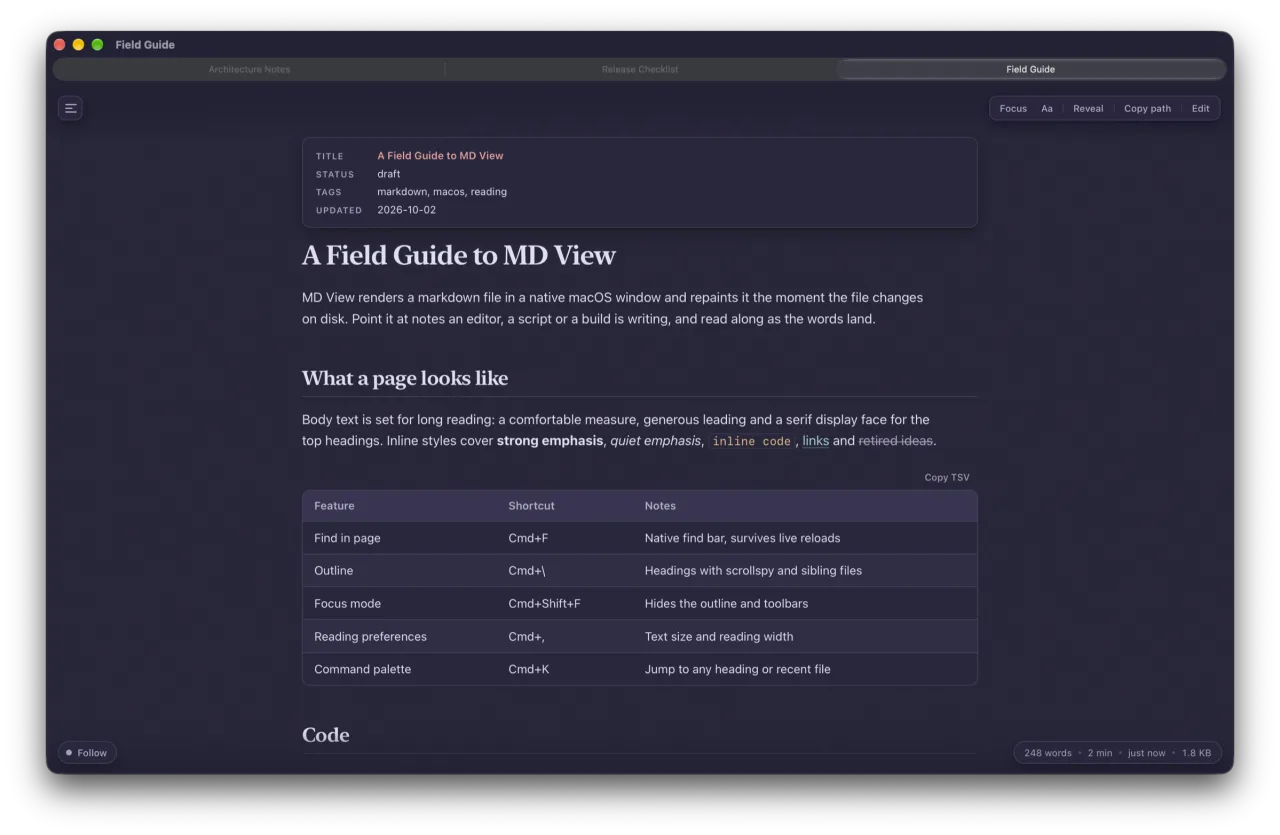
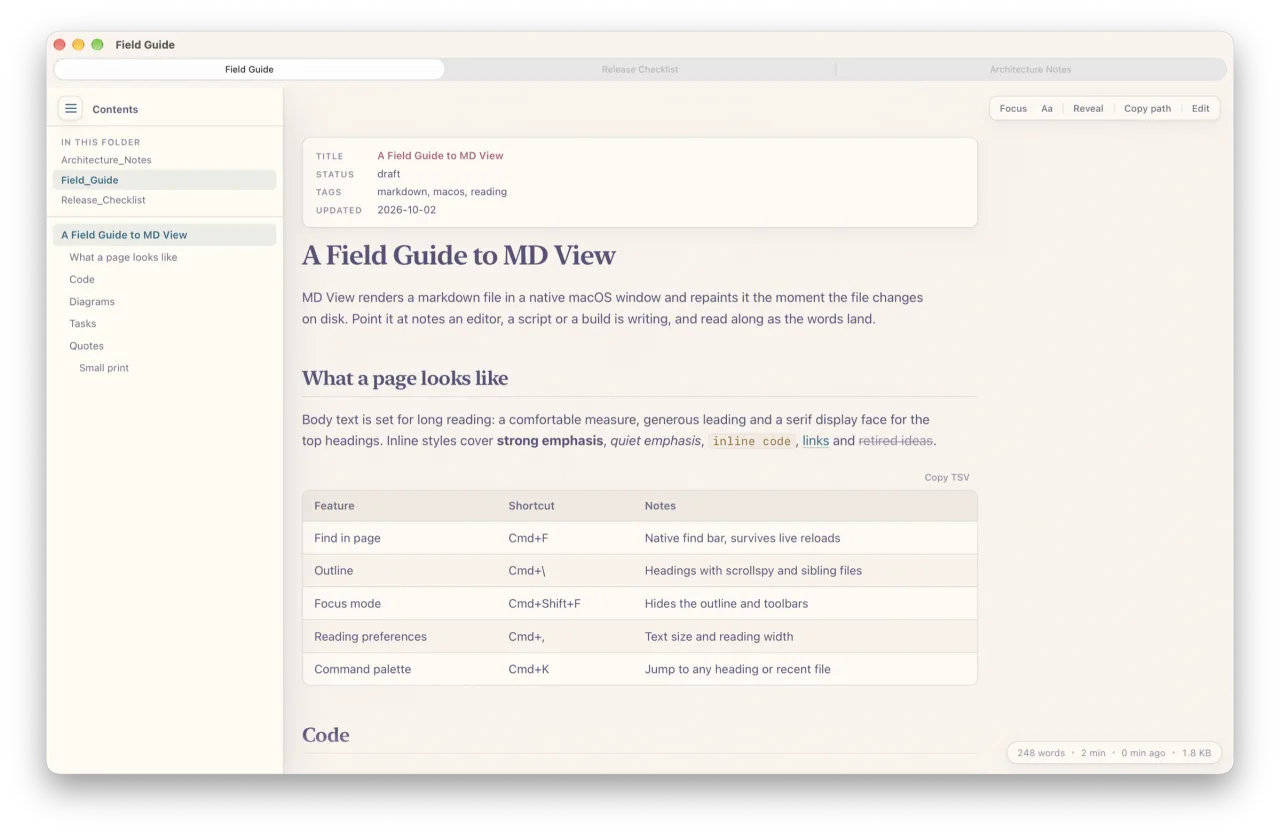
a native mac markdown viewer that redraws the moment the file changes on disk. I keep it open next to whatever claude or a script is writing and read along as the words land.
source on github the terminal version: mdw
screenshots
what it does
- live reloadchecks the file every 0.4 seconds and keeps your scroll position. changed blocks glow for a moment.
- native tabsevery
mdview file.mdjoins one window as a real macos tab. drag one out, cmd+1 to 9, cmd+shift+t to reopen. - find and outlinea native find bar that survives reloads, and a heading outline with the other files in the folder.
- focus modehides everything but the page. handy beside a call.
- renderinggithub-flavored markdown, highlighted code, mermaid diagrams, frontmatter as a card, sortable tables.
- a viewerthe only edit it makes is ticking a checkbox. writing stays in your editor.
get it
git clone https://github.com/RobertJLora/mdview.git
cd mdview && ./install.sh
mdview notes.md
it's a swift window around a small python server, no xcode project needed. needs macOS 27 and the command line tools. MIT licensed; the bundled marked, highlight.js and mermaid keep their own licenses.