mdw
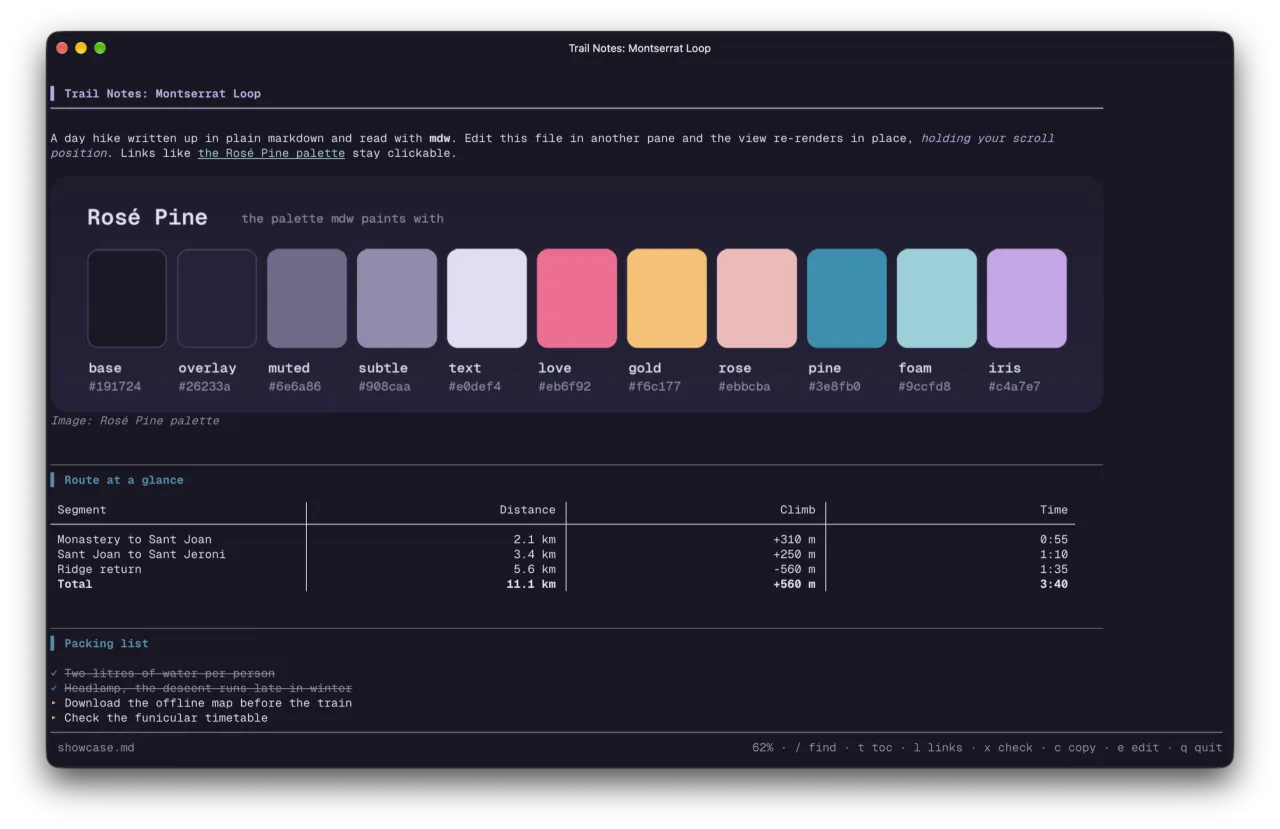
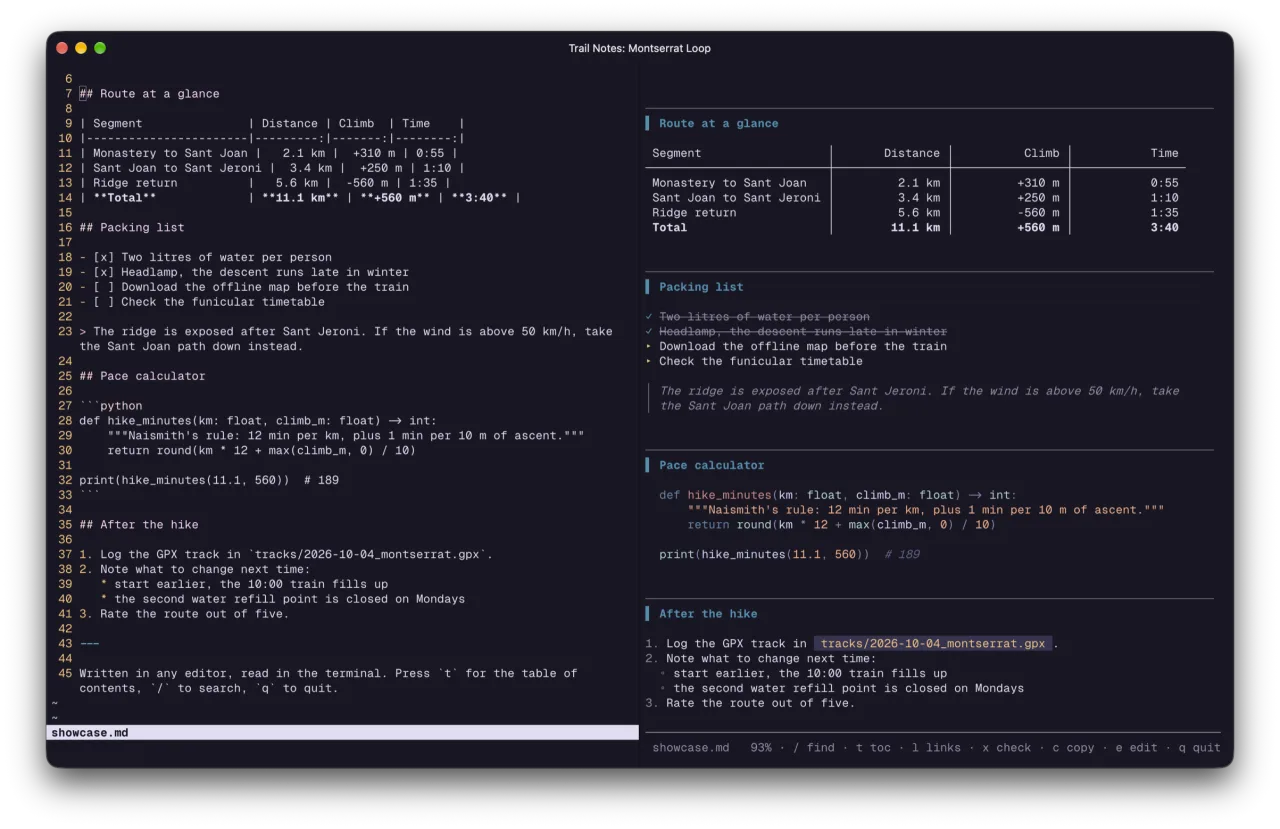
a live markdown viewer for the terminal. it re-renders when the file changes, holds your scroll position, and shows images inline. I run it in a ghostty split next to claude code.
source on github the mac app version: mdview
screenshots
what it does
- holds positionwhen the file changes it re-renders in place instead of jumping to the end. if you were at the bottom, it follows the new text.
- inline imagesimages render in the text flow and scroll like lines, in ghostty and kitty. other terminals get text.
- keys/ find, t table of contents, l links, x tick a checkbox, e edit, q quit.
- rose pinetruecolor rose pine for text, tables and code.
get it
brew install glow fswatch
git clone https://github.com/RobertJLora/mdw.git
cd mdw && ./install.sh
mdw notes.md
zsh and python, rendered through glow by charm. built and used on macos. MIT licensed.